System Requirements
| Requirement | Minimum | Recommended |
|---|---|---|
| WordPress | 5.8+ | Latest version |
| WooCommerce | 6.0+ | Latest version |
| PHP | 7.4+ | 8.0 or higher |
| SSL Certificate | Required (HTTPS) | |
SSL Certificate is Mandatory
Lemon Squeezy requires HTTPS for webhook communication. Your site MUST have a valid SSL certificate installed before proceeding.
Step 1: Create Lemon Squeezy Account
- Go to lemonsqueezy.com and sign up
- Complete your store setup in the dashboard
- Verify your payment information
- Note your Store ID (you’ll need this later)
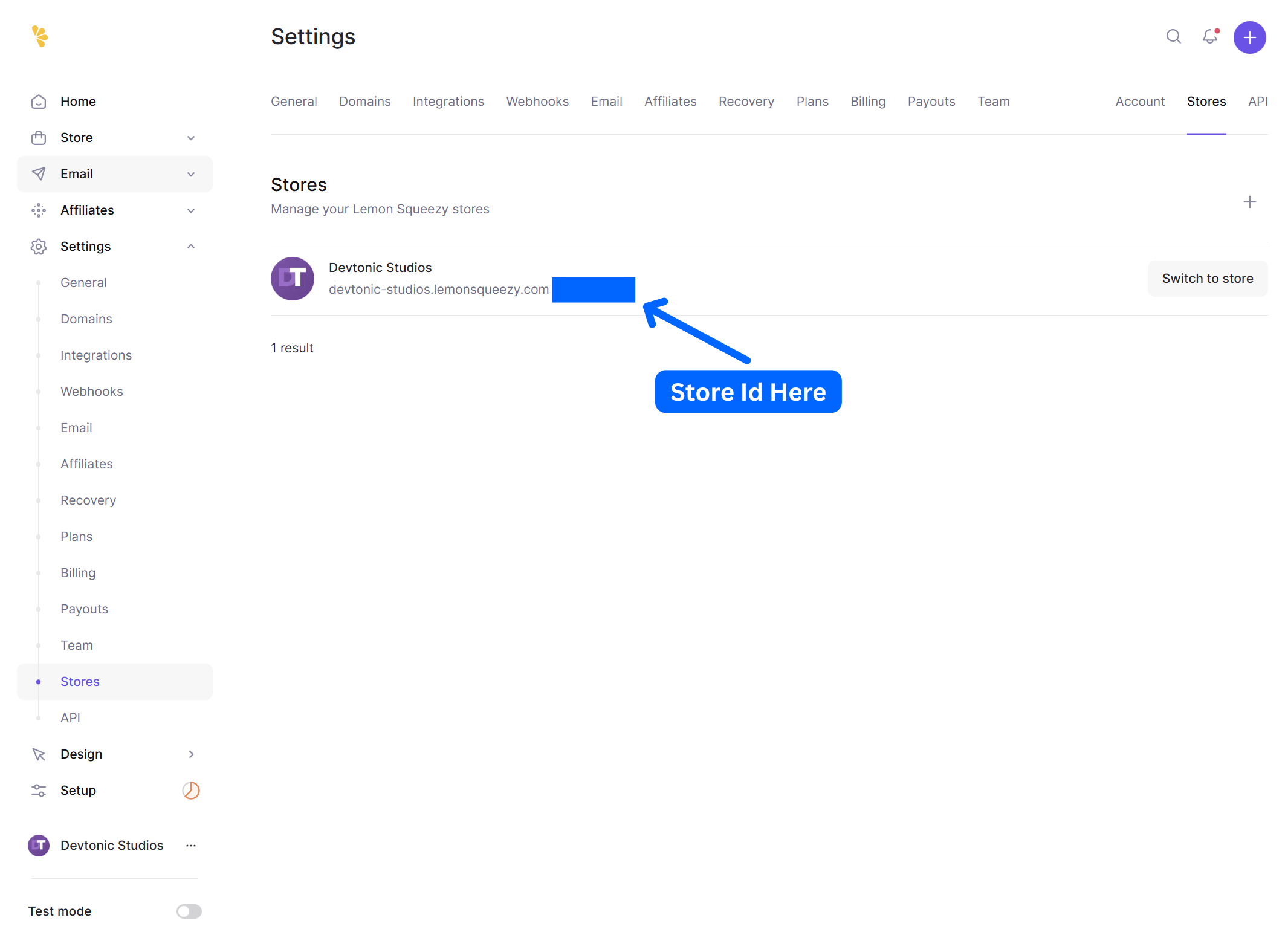
Screenshot: Lemon Squeezy Dashboard – Store Settings ( Store ID )
Step 2: Generate API Key
- In Lemon Squeezy dashboard, go to Settings → API
- Click “Create API Key”
- Give it a name (e.g., “WooCommerce Integration”)
- Copy the API key immediately (you won’t see it again!)
- Store it securely
API Key Format: lmsq_xxxxxxxxxxxxxxxxxxxxxxxxxxxxx
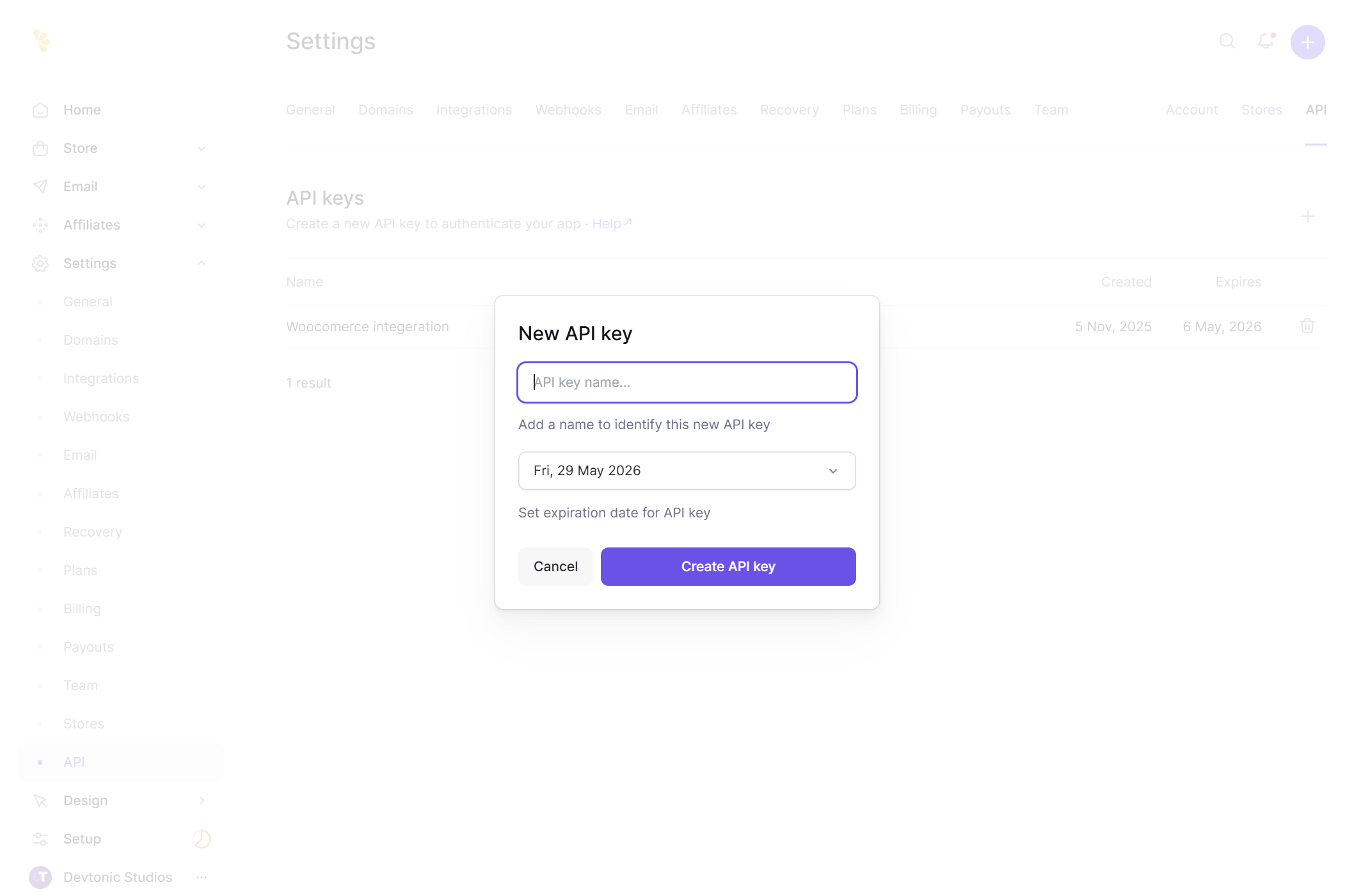
Screenshot: Generate Your API Key
Security Note
Keep your API key confidential. Never share it publicly or commit it to version control.