The quote basket is separate from the WooCommerce cart. Nothing a shopper puts in it touches their cart, and nothing is saved to your database until they actually submit the request.
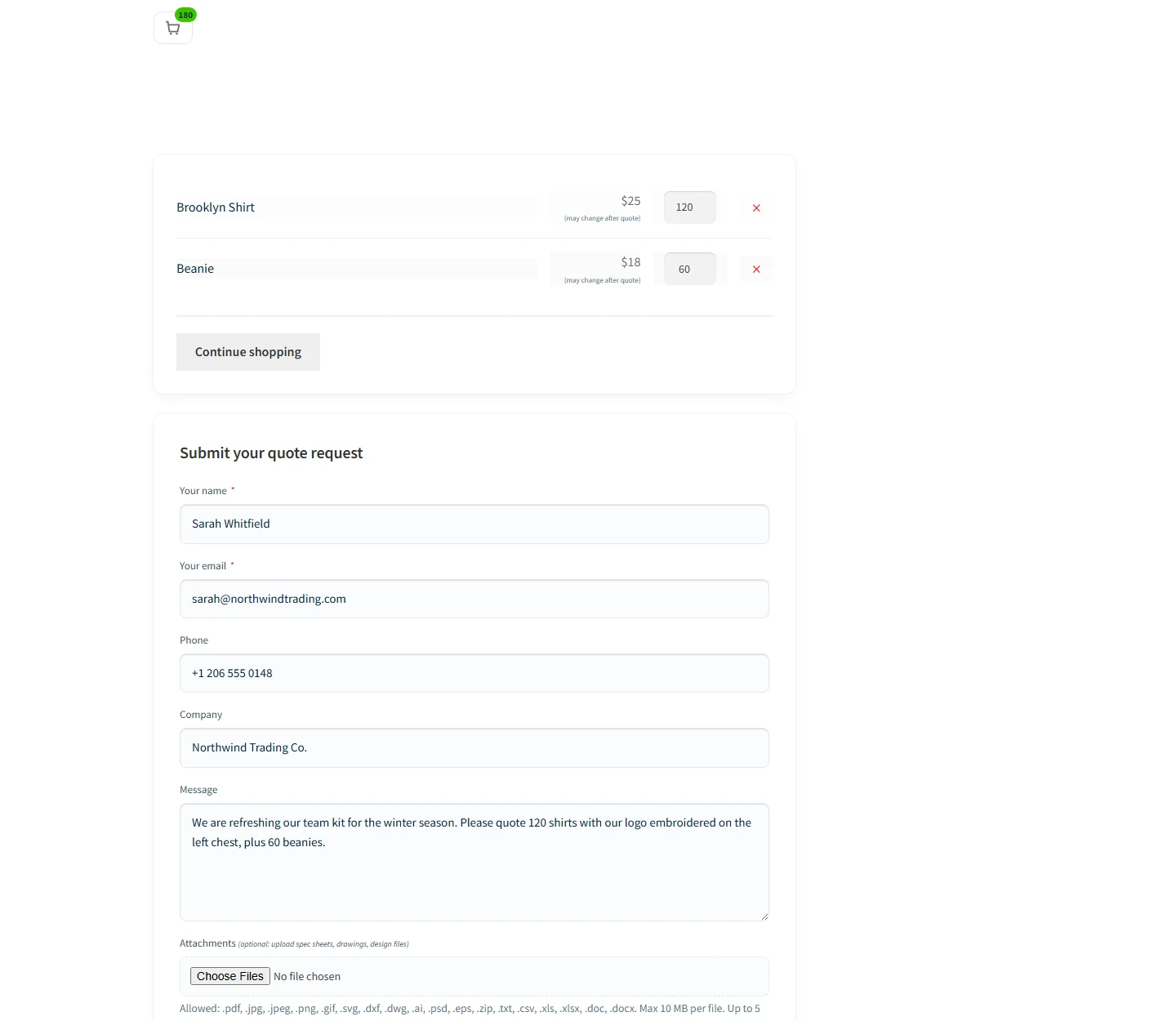
Items on top, the request form underneath. One page, one submit.
What the shopper can do here:
- Change the quantity on any line.
- Remove a line.
- Fill in name, email, phone, company, and a message.
- Attach files, such as a spec sheet or a drawing.
Name and email are required. Everything else is optional, so a buyer in a hurry can still get a request to you.
Putting the basket somewhere else
The page just holds the [quotly_basket] shortcode, so you can move it or paste it into any page. There is also [quotly_basket_count] for a small counter, handy in a header or menu.
Do not delete the Quote Basket page
The Add to Quote button sends people here. If you remove it, pick a replacement in Quotes, then Settings, then General under Quote basket page.