Everything about the button is on Quotes, then Settings, then Display.
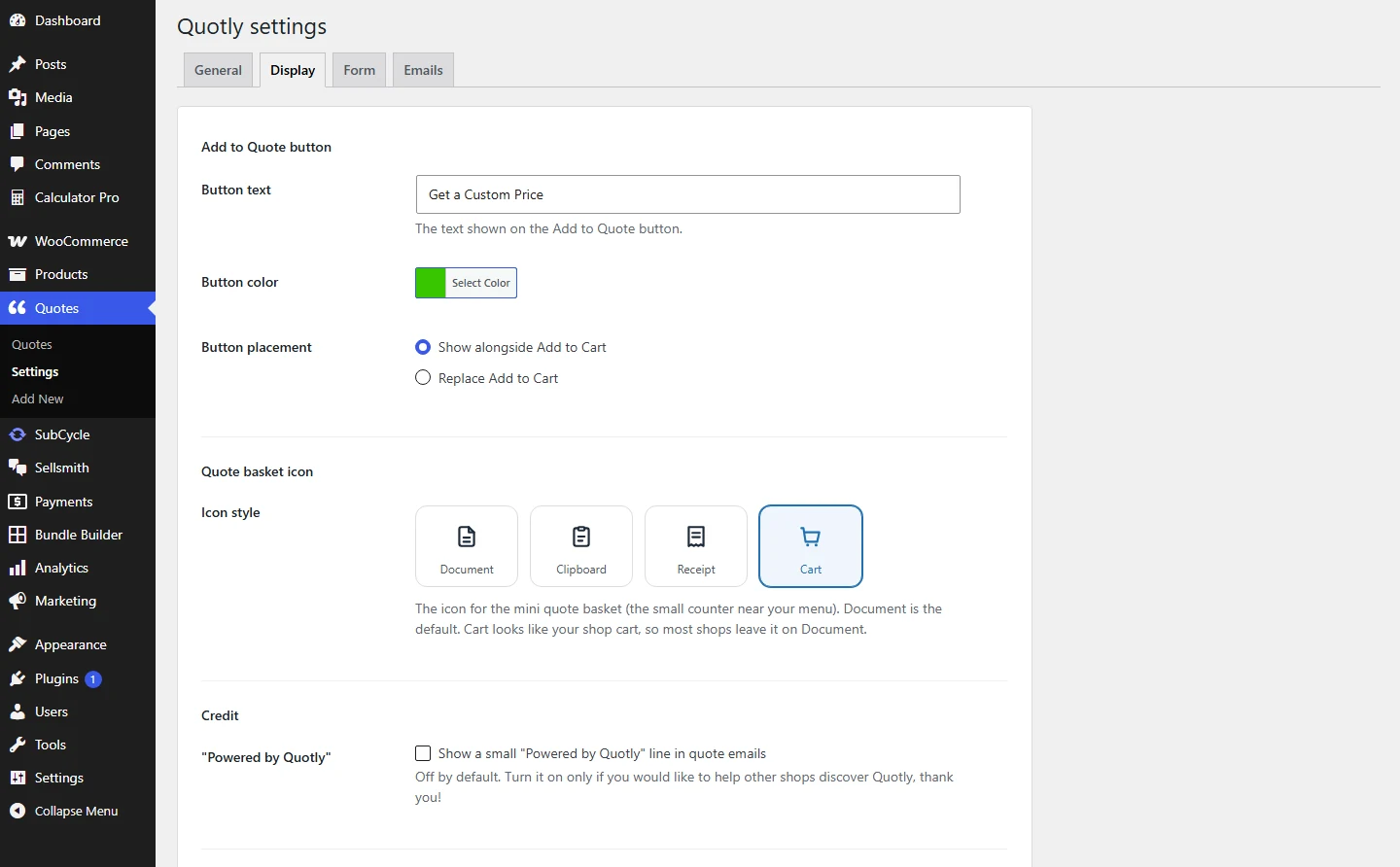
Button wording, colour, placement, and the basket icon, all on one tab.
What you can change:
- Button text. Default is Request a Quote. “Get a Price” and “Ask for a Quote” work well too.
- Button colour. A colour picker. QuoteWise picks dark or light text automatically so the label stays readable.
- Button placement. Show alongside Add to Cart, or replace Add to Cart.
Which placement should you pick?
Use alongside when a shopper could reasonably just buy it. Use replace for made to order items where there is no fixed price to buy at.