Everything about the button is on Quotes, then Settings, then Display.
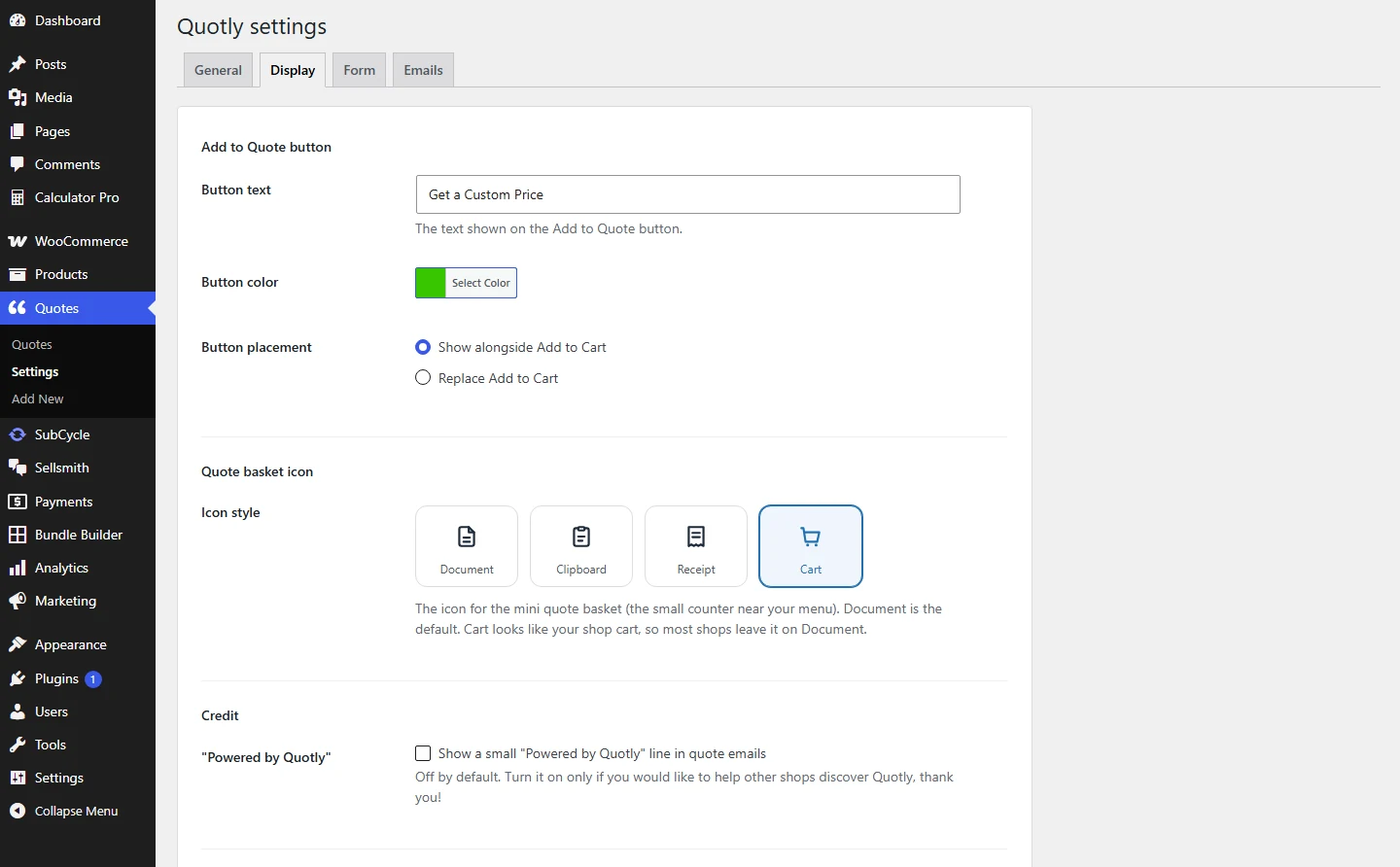
Button wording, colour, placement, and the basket icon, all on one tab.
What you can change:
- Button text. Default is Request a Quote. “Get a Price” and “Ask for a Quote” work well too.
- Button colour. A colour picker. QuoteWise picks dark or light text automatically so the label stays readable.
- Button placement. Show alongside Add to Cart, or replace Add to Cart. Replace makes the product quote only: it cannot be bought from the shop page, a direct add-to-cart link or the block cart.
- Hide the price. With Replace Add to Cart chosen, tick Hide the price and type the words to show instead, Price on request by default. The price then also stays out of the quote basket, Google’s product data and the store’s public product feed, until you send your own price.
Which placement should you pick?
Use alongside when a shopper could reasonably just buy it. Use replace for made to order items where there is no fixed price to buy at.
Was this page helpful?
Thanks for telling us.
Sorry it did not help. Tell us what you were looking for and we will add it.
Still stuck?
Ask us